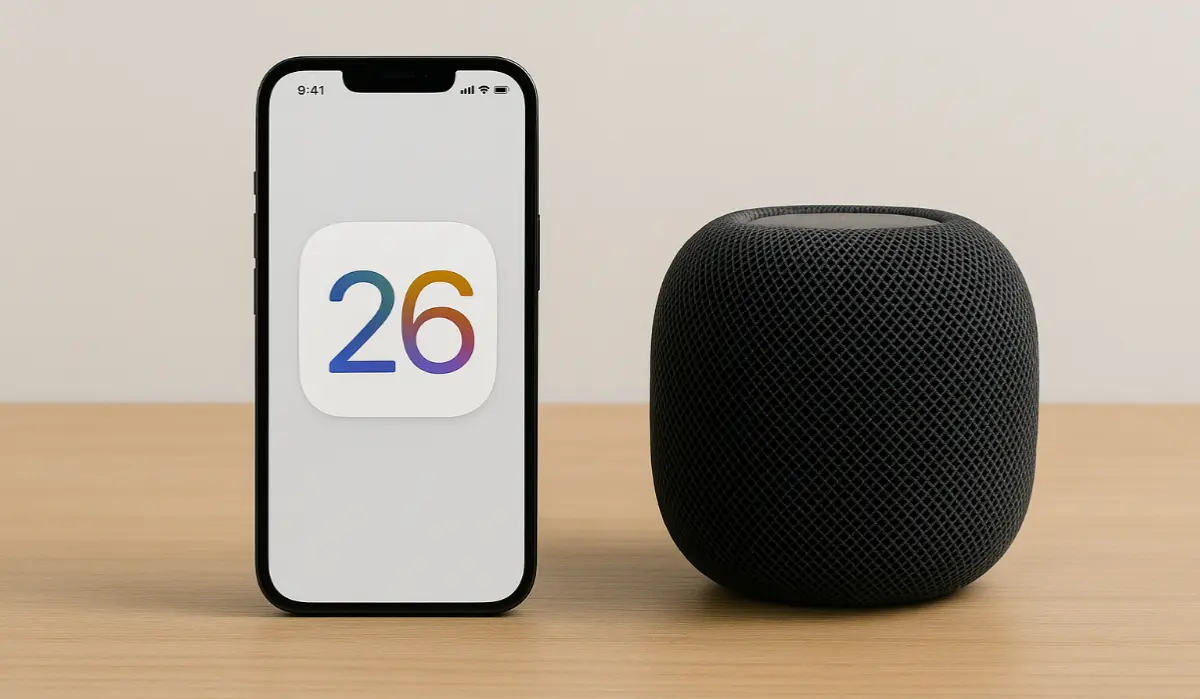
Apple has just released a wave of updates across its device ecosystem, including the public beta of iOS 26, a stable iOS 18.6 update, and new versions for tvOS, HomePod, watchOS, and visionOS. Here’s everything users need to know about what’s new, which devices are supported, and how to install these updates safely.
What’s New in iOS 26 (Public Beta)
iOS 26 introduces a significant visual overhaul and intelligent features aimed at modernizing the iPhone experience. The update includes:
- Liquid Glass UI: A new translucent design with layered animations and dynamic effects.
- Apple Intelligence: On-device AI features for live translation, captioning in real-time calls, and predictive screenshots.
- FaceTime & Phone Improvements: Hold Assist, spam call filtering, and live voicemail enhancements.
- Messages Overhaul: Chat wallpapers, polls in group chats, typing indicators, and improved message sorting.
- Camera & Photos: Hidden modes, spatial photography, AirPods-controlled shutter, and dirty lens detection.
- New Games App: A Game Center replacement that curates challenges and tracks progress across titles.
This update is still in beta, so expect bugs and performance issues. Ideal for secondary devices only.
also read: iOS 26 Public Beta Nears Release with Liquid Glass and AI Upgrades
iOS 18.6 Stable Release
Alongside the beta, Apple has also pushed the iOS 18.6 stable update. It focuses on system security and minor bug fixes, including:
- Fixes for over 20 vulnerabilities, including a critical VoiceOver-related privacy bug.
- Resolved a glitch in the Photos app that affected Memory Movies.
- Improved support for third-party app stores in the EU.
Recommended for all users on iOS 18. Build number is 22G86.
tvOS 18.6, HomePod 18.6 & More
- tvOS 18.6: Performance boosts and bug fixes for Apple TV 4K and HD.
- HomePod 18.6: Under-the-hood improvements to responsiveness and Siri integration.
- watchOS 11.6: Security updates and minor enhancements.
- visionOS 2.6: Improved stability for Vision Pro users.
Supported Devices
Here’s a quick breakdown of device compatibility:
- iOS 26 Beta: iPhone 11 and newer. Apple Intelligence features require A17 Pro chip or later.
- iOS 18.6: All devices previously running iOS 18.
- tvOS 18.6: Apple TV HD and Apple TV 4K models.
- watchOS 11.6: Apple Watch Series 4 and later.
- visionOS 2.6: Apple Vision Pro.
How to Install the Updates
- Go to Settings → General → Software Update on your device.
- For iOS 26 beta, join Apple’s Beta Software Program at beta.apple.com.
- Back up your device before installing any beta version.
Final Thoughts
Whether you’re a developer testing the new iOS 26 features or a regular user looking to stay secure with iOS 18.6, Apple’s July 2025 update cycle brings something for everyone. If you’re using a newer iPhone, you’ll likely enjoy the futuristic redesign and smarter AI in iOS 26. For all others, now is a good time to update to iOS 18.6 and lock down your system.