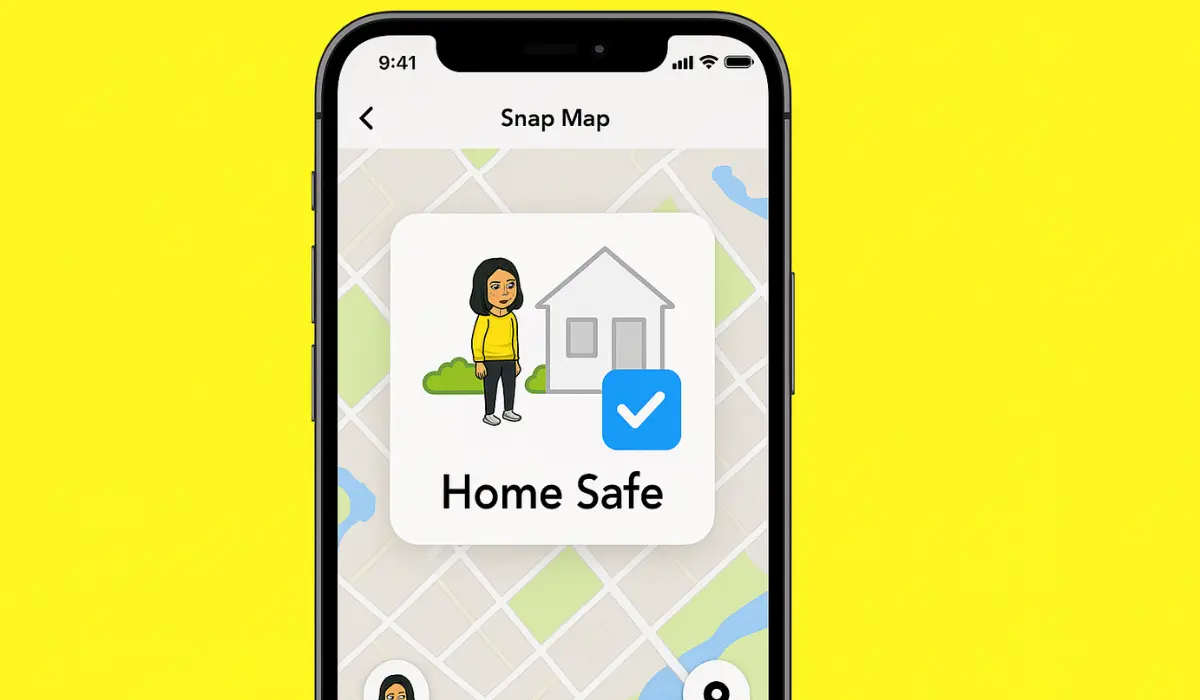
Snapchat just introduced a new safety tool called “Snapchat Home Safe”, a simple but smart feature designed to reassure friends and family that you’ve made it home safely. Built directly into Snap Map, this one-time alert system gives users an easy way to check in without needing to send a message or share their live location continuously.
How “Home Safe” Works
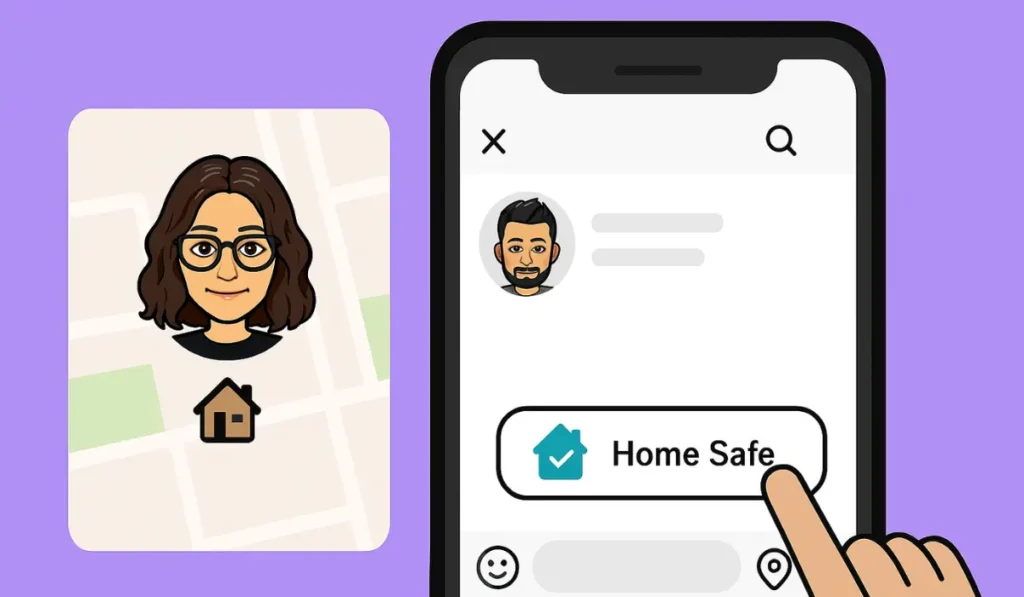
The idea is simple: when you’re out and about—heading home from work, a night out, or just a solo walk—you can set a safety alert that triggers when you reach your designated home location. Here’s the process:
- First, set your home address on Snap Map by tapping your Bitmoji and selecting “My Home.”
- Then, before leaving a location, open a chat with someone you trust, tap the Map pin icon, and choose “Home Safe”.
- Once you arrive home, your selected friend will receive a one-time message confirming your safe return.
Privacy-First Design
Snapchat has built this feature with privacy in mind. Your live location isn’t shared unless you’ve already enabled it with the person you’re notifying. And unlike other tracking tools, Home Safe sends only a single alert—it doesn’t track your full route or update your location in real-time.
This means you get peace of mind without giving up too much personal data. It’s a balance between privacy and safety that many users—especially younger audiences—will likely appreciate.
Why It Matters
We all know that feeling: you’re waiting for someone to text that they’ve reached home, but they forget, or their phone dies. With Home Safe, Snapchat automates that tiny but important moment. Whether you’re a teen going home after a party or a college student walking back to your dorm, this tool adds a lightweight layer of security.
Limitations and Considerations
Of course, this isn’t a full-fledged safety app like Life360 or Find My Friends. It’s a one-time check-in, not a live tracker. Also, it only works with friends who already have your location permissions, so there’s no risk of strangers abusing it.
That said, Snapchat does have a mixed track record when it comes to safety—especially for younger users. Privacy and safety groups have previously raised concerns about features like Quick Add or location visibility. So while Home Safe is a step forward, broader platform safety still needs scrutiny.
Learn more: Inside Tea: The Viral Women-Only App That’s Changing Dating—and Stirring Controversy
How to Try It
- Open Snap Map and set your home location via Bitmoji → “My Home.”
- Start a chat with a trusted contact.
- Tap the map pin icon and choose “Home Safe.”
- That’s it—Snapchat takes care of the rest when you get home.
Final Thoughts
Home Safe doesn’t pretend to solve every safety concern, but it handles one thing well: making sure someone knows when you’ve arrived home. It’s small, optional, and user-controlled—which, in the world of social apps, is a refreshing approach to safety.
Snapchat is continuing to evolve beyond just filters and streaks, adding features that recognize the real-world needs of its users. Home Safe might be a small update, but for many, it could offer big peace of mind.