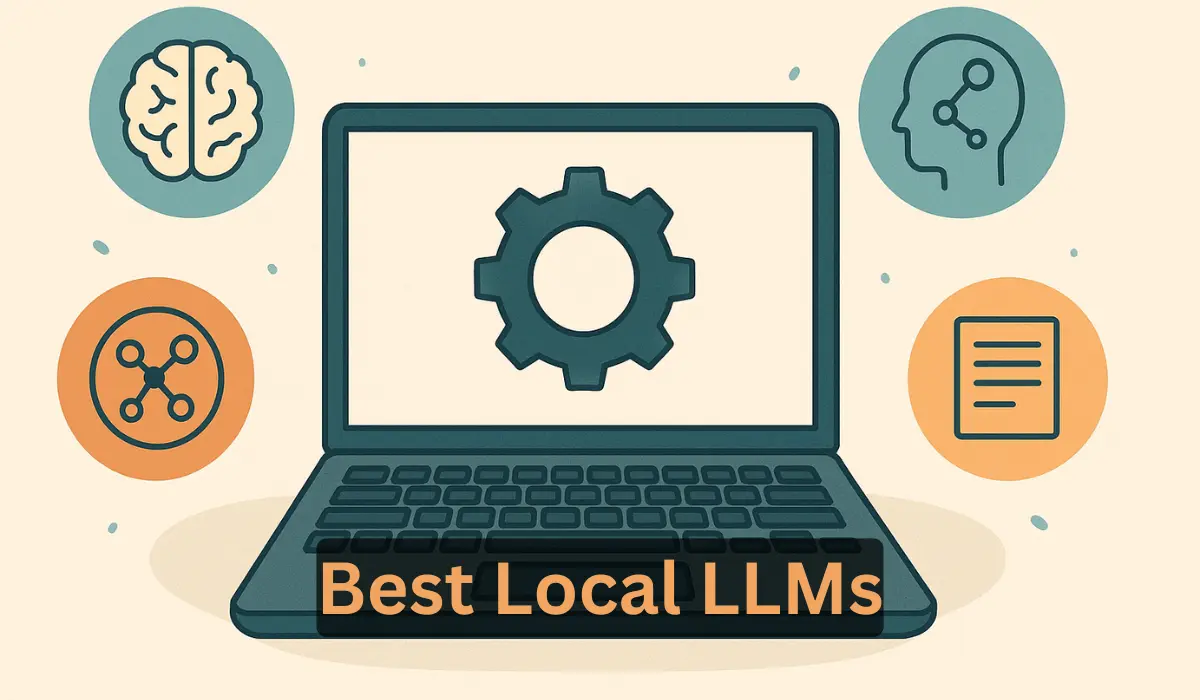
In an era dominated by cloud computing, the idea of running powerful AI on your personal laptop might sound like science fiction. But what if I told you that you can have your own private, offline, and highly capable Large Language Model (LLM) humming away on your desk, without ever needing to connect to a remote server? Welcome to the exciting world of local LLMs!
The buzz around AI assistants like ChatGPT, Gemini, and Claude is undeniable. They can write code, compose emails, and even create poetry. However, they all have one thing in common: they live in the cloud. This means your data is sent to a third-party server, you need a constant internet connection, and you’re often tied to a subscription model. But a new wave of open-source LLMs is changing the game, allowing you to break free from the cloud and run powerful AI right on your own machine.
This guide will walk you through everything you need to know about the best local LLMs you can run on your laptop in 2025. We’ll explore why you’d want to, what hardware you’ll need, and how to get started, even if you’re not a tech wizard. So, buckle up and get ready to unlock the power of personal AI!
Why Run LLMs Locally? The Allure of Offline AI
Before we dive into the “how,” let’s explore the “why.” What are the advantages of running an LLM on your own laptop? You might be surprised by how compelling the reasons are.
Privacy and Security: Your Data Stays Yours
This is, for many, the number one reason to go local. When you use a cloud-based AI service, you’re sending your prompts and data to a third-party company. While these companies have security measures in place, the very act of sending your data over the internet creates a potential vulnerability. For developers, writers, or anyone working with sensitive or proprietary information, this can be a major concern.
By running an LLM locally, your data never leaves your machine. You can work on confidential projects, experiment with private documents, and interact with the AI without any privacy concerns. It’s the digital equivalent of a private conversation in a soundproof room.
Offline Capability: AI Unplugged
Ever been on a flight, in a coffee shop with spotty Wi-Fi, or in a remote location and wished you could use your favorite AI assistant? With a local LLM, you can. Since the model runs entirely on your laptop, you’re not dependent on an internet connection. This freedom and flexibility can be a game-changer for productivity and creativity, allowing you to work from anywhere, at any time.
Cost-Effectiveness: Ditch the Subscriptions
The subscription fees for premium cloud-based AI services can add up quickly. While many offer free tiers, they often come with limitations on usage, features, and the power of the model you can access.
Local LLMs, on the other hand, are typically open-source and free to use. Once you have the necessary hardware, you can run them as much as you want without any recurring costs. It’s a one-time investment in your hardware for a lifetime of AI access.
Customization and Control: An AI That’s Uniquely Yours
Cloud-based LLMs are a one-size-fits-all solution. You get what you’re given, with limited ability to tweak the model’s behavior. Local LLMs, however, offer a world of customization. You can fine-tune them on your own data to create a model that’s an expert in a specific domain, whether it’s your personal writing style, your company’s knowledge base, or a particular programming language.
This level of control allows you to create a truly personalized AI assistant that understands your unique needs and context.
The Ultimate Learning Experience: A Peek Under the Hood
If you’re curious about how AI works, there’s no better way to learn than by running it yourself. Setting up a local LLM gives you a hands-on understanding of the hardware and software that power this incredible technology. You’ll learn about models, quantization, and the different tools that make it all possible. It’s a fantastic way to demystify AI and gain valuable skills in a rapidly growing field.
also read: Automation and Robotics in Everyday Life: Transforming Daily Routines
The Hardware Hurdle: What You’ll Need to Get Started
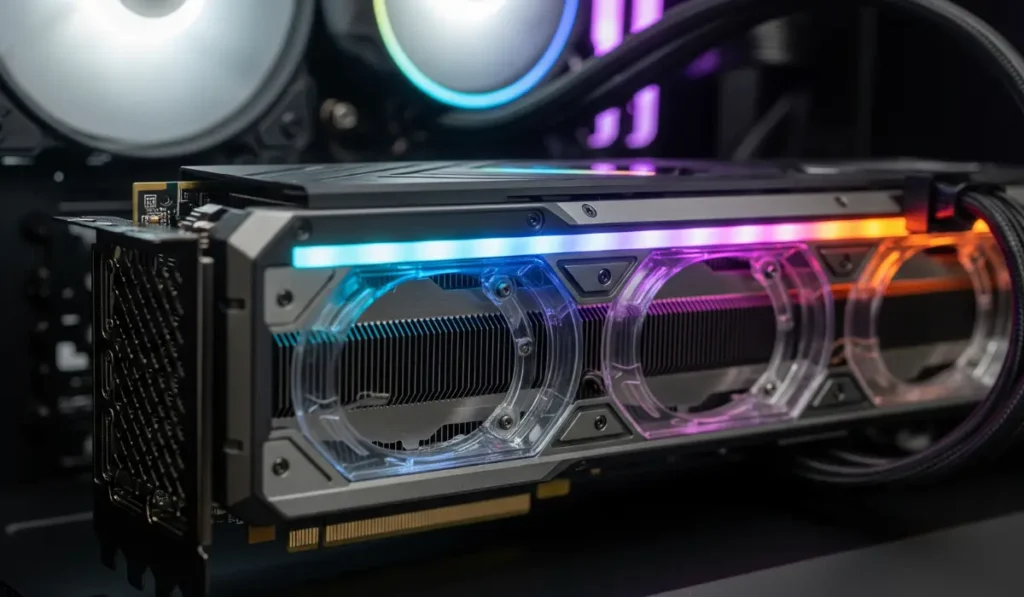
Running a powerful LLM on your laptop is now more accessible than ever, but it does require a certain level of hardware. Let’s break down the key components and what you should look for.
CPU (Central Processing Unit): The Brains of the Operation
While the GPU (which we’ll get to next) does most of the heavy lifting for LLMs, the CPU still plays a crucial role. It manages the overall system and keeps everything running smoothly. You can run LLMs on just a CPU, but it will be significantly slower than using a GPU.
If you’re relying solely on your CPU, a modern processor with multiple cores and high clock speeds is recommended. Think Intel Core i7/i9 or AMD Ryzen 7/9 from the last few years.
GPU (Graphics Processing Unit): The AI Powerhouse
The GPU is the most important component for running LLMs locally. These chips are designed for parallel processing, which is exactly what LLMs need to perform their complex calculations. The key specification to look for in a GPU is its VRAM (Video Random Access Memory).
VRAM is the GPU’s own dedicated memory, and it’s where the LLM’s “weights” (the parameters that define the model) are loaded. The more VRAM you have, the larger and more powerful the model you can run.
Here’s a general guide to VRAM requirements:
- 4-8 GB of VRAM: You can run smaller, highly quantized models. This is a good starting point for experimentation and less demanding tasks.
- 12-16 GB of VRAM: This is the sweet spot for many popular local LLMs. You can run a good variety of models with decent performance.
- 24 GB of VRAM or more: With this much VRAM, you can run larger, more powerful models with less quantization, resulting in higher accuracy and performance.
NVIDIA’s RTX series GPUs are generally the preferred choice due to their excellent performance and broad software support (specifically CUDA). However, AMD’s Radeon GPUs are also becoming increasingly capable for local AI.
RAM (Random Access Memory): The System’s Workspace
RAM is your computer’s general-purpose memory. While the VRAM on your GPU is dedicated to the LLM, your system’s RAM is still needed to run the operating system, the LLM application, and other programs.
- 16 GB of RAM: This is a good minimum for running local LLMs.
- 32 GB of RAM or more: This will provide a smoother experience, especially if you’re running larger models or multitasking.
Storage: Making Room for Your AI
LLM models can be quite large, ranging from a few gigabytes to tens of gigabytes, or even more. You’ll need enough free disk space to store the models you want to use. An SSD (Solid State Drive) is highly recommended over a traditional hard drive, as it will significantly reduce the time it takes to load the models.
also read: AI Agents for Daily Life: From Grocery Lists to Booking Flights
The Magic of Miniaturization: Understanding Quantization
You might be wondering how a massive LLM with billions of parameters can fit on a laptop. The answer lies in a clever technique called quantization.
Imagine you have a high-resolution photograph that takes up a lot of storage space. You can compress that image to a smaller file size, but you might lose some of the fine details. Quantization is a similar process for LLMs.
In essence, quantization reduces the precision of the numbers (the “weights”) that make up the model. Instead of using highly precise 32-bit floating-point numbers (FP32), the model is converted to use less precise formats like 16-bit floating-point (FP16), 8-bit integers (INT8), or even 4-bit integers (INT4).
This has two major benefits:
- Reduced Model Size: A quantized model takes up significantly less VRAM and disk space. This is what allows you to run a 7-billion-parameter model on a laptop with 8 GB of VRAM.
- Faster Inference: Less precise numbers are faster to process, which means you get your answers from the AI more quickly.
There’s a trade-off, of course. Just like with image compression, some of the “detail” is lost. A highly quantized model might be slightly less accurate than its full-precision counterpart. However, for most use cases, the difference is negligible, and the benefits of being able to run the model locally far outweigh the small loss in precision.
You’ll often see quantized models with names like “GGUF” or “GPTQ.” These are different formats and methods for quantization that have been optimized for local use.
A Tour of the Titans: Best Local LLMs to Run on Your Laptop

The world of open-source LLMs is constantly evolving, with new and improved models being released all the time. Here are some of the best and most popular choices for running locally on your laptop in 2025.
Meta’s Llama 3 Family (8B and 70B)
- Description: The Llama 3 models from Meta have taken the open-source world by storm. They are known for their excellent performance in a wide range of tasks, from writing and summarization to coding and reasoning. The 8B (8 billion parameter) version is particularly well-suited for local use.
- Ideal Use Cases: General-purpose chat, content creation, coding assistance.
- Estimated VRAM: The 8B model can run on as little as 6-8 GB of VRAM with quantization. The 70B model requires significantly more, typically in the 12-24 GB range with quantization.
Mistral 7B
- Description: Mistral 7B is another highly popular model that’s praised for its efficiency and strong performance, despite its relatively small size. It’s a great all-rounder and a fantastic choice for those with more limited hardware.
- Ideal Use Cases: Fast and efficient chat, summarization, general-purpose tasks.
- Estimated VRAM: Can run comfortably on 6-8 GB of VRAM with quantization.
Microsoft’s Phi-3 Mini
- Description: Phi-3 Mini is a surprisingly capable model from Microsoft that’s designed to be small and efficient. It punches well above its weight, demonstrating strong reasoning and language understanding capabilities.
- Ideal Use Cases: Running on resource-constrained devices, tasks that require logical reasoning.
- Estimated VRAM: Can run on as little as 4 GB of VRAM, making it one of the most accessible models.
Google’s Gemma
- Description: Gemma is a family of open models from Google, built from the same research and technology used to create the powerful Gemini models. They are lightweight, and the 2B and 7B versions are excellent for local use.
- Ideal Use Cases: A wide range of text-based tasks, from dialogue to summarization.
- Estimated VRAM: The 2B model can run on very modest hardware, while the 7B model is similar to Mistral 7B in its requirements.
Coding Champions: Code Llama and DeepSeek Coder
- Description: If your primary focus is on coding, there are specialized models that are fine-tuned for software development. Code Llama (from Meta) and DeepSeek Coder are two of the leading choices. They can help you write code, debug, and understand complex algorithms.
- Ideal Use Cases: Code generation, debugging, technical documentation.
- Estimated VRAM: Varies depending on the model size, but quantized versions are available that can run on 8-16 GB of VRAM.
also read: The Race to Build AGI: How OpenAI, xAI, and DeepMind Strategies Compare
Your Local AI Playground: Tools to Run LLMs with Ease
Now that you know what’s possible, you might be thinking, “This sounds great, but I’m not a command-line guru.” The good news is, you don’t have to be! A new generation of user-friendly tools has emerged that make running local LLMs as easy as installing any other application.
Ollama: The Simple and Powerful Choice
Ollama is a fantastic tool that has made local LLMs accessible to a much wider audience. It’s a command-line tool, but the commands are simple and intuitive. With Ollama, you can download and run a new model with a single line of code. It’s available for Windows, macOS, and Linux.
LM Studio: The All-in-One GUI
If you prefer a graphical user interface (GUI), LM Studio is an excellent choice. It provides a beautiful and intuitive interface for discovering, downloading, and running a wide variety of local LLMs. You can chat with the models, configure their settings, and even see real-time stats on your hardware usage.
Jan and GPT4All: More User-Friendly Options
Jan and GPT4All are two other popular tools that offer a user-friendly experience. They both provide a chat-based interface and make it easy to get started with local LLMs. GPT4All also has a unique feature called “LocalDocs” that allows you to chat with your own documents privately and locally.
Step-by-Step Guide: Running Your First Local LLM with Ollama
Ready to take the plunge? Let’s walk through how to run your first local LLM using Ollama. It’s easier than you think!
Step 1: Install Ollama
- Go to the Ollama website and download the installer for your operating system (Windows, macOS, or Linux).
- Run the installer. It’s a straightforward process, just like installing any other application.
Step 2: Download a Model
- Open your terminal (on macOS or Linux) or Command Prompt (on Windows).
- To download and run a model, you simply type
ollama runfollowed by the name of the model you want to use. Let’s start with the Llama 3 8B model:
ollama run llama3
- The first time you run this command, Ollama will download the model. This might take a few minutes, depending on your internet speed.
Step 3: Start Chatting!
- Once the download is complete, you’ll see a prompt in your terminal that says “Send a message…”.
- That’s it! You’re now chatting with your own private, local LLM. Ask it a question, give it a task, and see what it can do.
The Future is Local: What’s Next for Personal AI?
The world of local LLMs is moving at a breakneck pace. We’re seeing a trend towards smaller, more efficient, yet incredibly powerful models. Hardware is also becoming more capable, with new GPUs and processors that are specifically designed to handle AI workloads.
In the near future, we can expect to see local LLMs that are even more integrated into our operating systems and applications. Imagine having a personal AI that can help you with any task, on any device, without ever needing to connect to the internet. That’s the future that local LLMs are making possible.
Conclusion
The ability to run a powerful Large Language Model on your own laptop is no longer a futuristic dream. It’s a reality that’s here today, thanks to the incredible work of the open-source community and advancements in hardware and software.
By running an LLM locally, you gain unparalleled privacy, the freedom to work offline, and the power to customize your AI to your exact needs. Whether you’re a developer, a writer, a student, or just a curious enthusiast, there’s never been a better time to explore the exciting world of personal AI.
So, what are you waiting for? Pick a model, download a tool, and start your journey into the future of local AI. You might be surprised by what you can create.