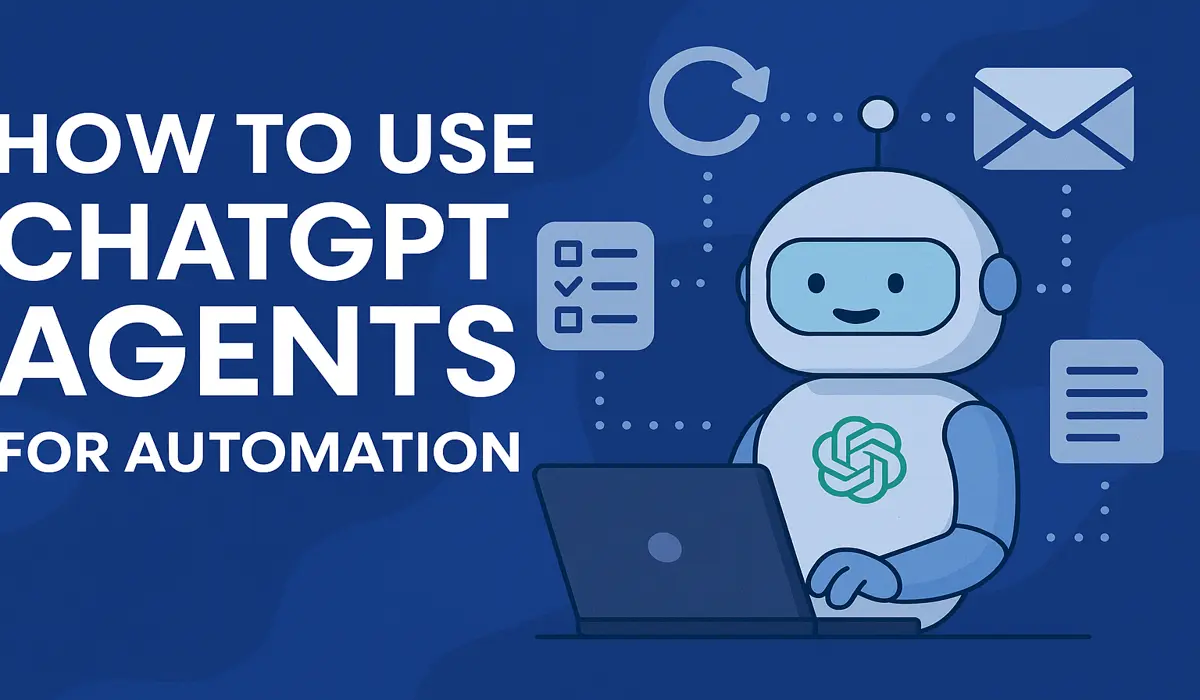
In today’s fast-paced digital world, businesses and creators constantly seek ways to save time and scale productivity. Enter ChatGPT Agents—intelligent, task-specific AI assistants that automate repetitive tasks and streamline workflows.
But what exactly are ChatGPT Agents? How do you use them? And most importantly, how can they revolutionize your productivity?
In this blog, we’ll explain what ChatGPT Agents are, how to use them for automation, and how to create your own for personal or business use.
What Are ChatGPT Agents?
ChatGPT Agents are personalized, programmable AI bots within the ChatGPT environment. Each agent is like a mini AI employee with instructions, tools, and memory, designed to perform specific tasks like:
- Managing content calendars
- Automating customer support
- Summarizing reports
- Generating emails or marketing content
- Performing SEO audits
These agents can remember your preferences, follow multi-step instructions, and even call APIs or use tools like browsers, Python, or code interpreters to perform actions.
How ChatGPT Agents Help with Automation
AI agents can handle:
| Task Type | Examples |
|---|---|
| Content Creation | Blog writing, product descriptions, rewriting |
| Scheduling | Social media calendars, meeting setups |
| Data Processing | Spreadsheet summarization, analytics reports |
| Customer Support | FAQ replies, chatbot-style responses |
| Web Interaction | Auto-filling forms, triggering workflows |
How to Create Your Own ChatGPT Agent
Follow these steps:
1. Open ChatGPT (Pro Version Required)
Go to chat.openai.com and ensure you are subscribed to ChatGPT Plus (GPT-4).
2. Click “Explore GPTs”
Click on your name in the bottom left > “Explore GPTs.” You’ll see a directory of public agents.
3. Click “Create”
You’ll get a no-code interface to define:
- Agent Name
- Instructions (what it should do)
- Tools (e.g., browser, Python, image tools)
- File access, memory, API keys
4. Add Custom Instructions
For example, to create an agent that summarizes SEO reports:
“You are an SEO summary assistant. When I upload a Google Analytics or Ahrefs file, summarize traffic sources, keyword movements, and top-performing pages.”
5. Save & Share
You can keep it private, share it via link, or even list it publicly in the GPT Store.
Advanced Automation Ideas with ChatGPT Agents
Here are some creative ways to use agents for automation:
- Content Manager: Auto-generate weekly blog post drafts
- Email Assistant: Write replies and sort by urgency
- Productivity Tracker: Log time entries or summarize daily notes
- Code Helper: Generate and test code snippets
You can even chain agents or pair them with Zapier, Make.com, or Python scripts for more complex automations.
Integrating Agents with Other Tools
ChatGPT Agents can integrate with:
- Zapier: Automate workflows like Gmail → ChatGPT → Google Sheets
- Google Workspace: Generate docs, analyze sheets
- APIs: Call any external API for dynamic data (e.g., weather, finance, stock)
- Notion / Trello: Auto-create tasks or project updates
Benefits of Using ChatGPT Agents
- Save time on repetitive tasks
- Improve response time
- Enhance personalization
- Scale content and customer service
- Reduce errors
Are ChatGPT Agents Secure?
Yes, but remember:
- Always review data-sharing permissions
- Avoid uploading sensitive or confidential data unless necessary
- Use API keys carefully and only for trusted endpoints