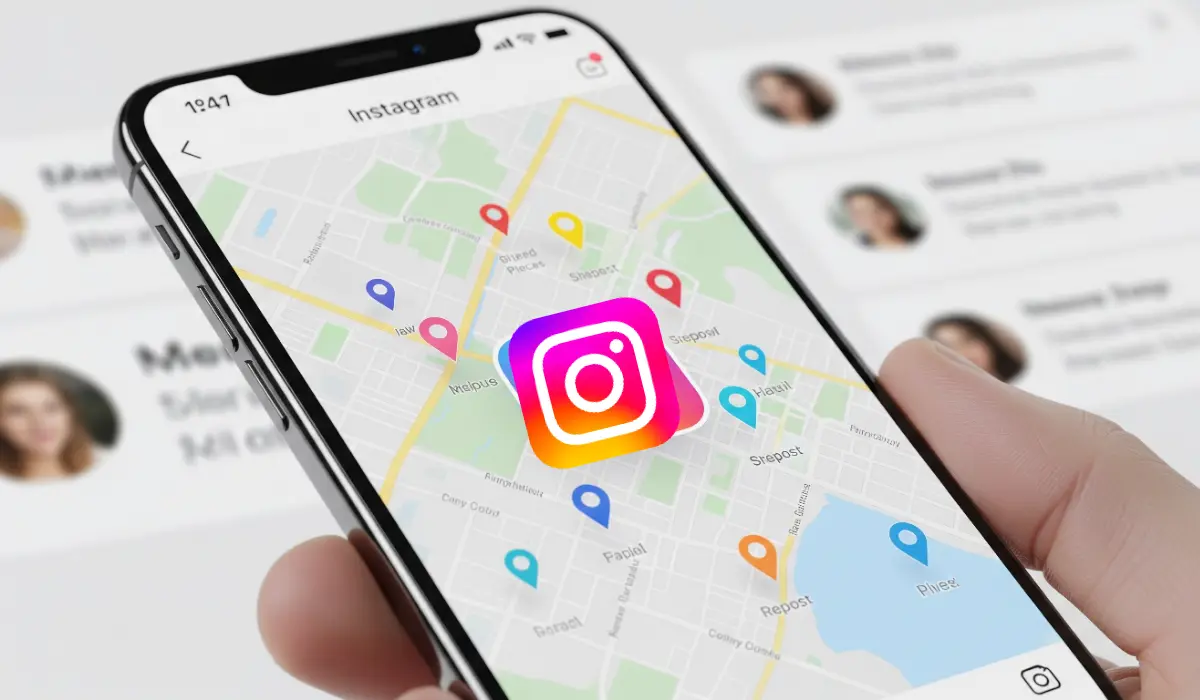
Instagram is rolling out a trio of new features that are set to change how you connect and share. The latest update introduces the Instagram Map, a dedicated Reposts tab, and a new “Friends” tab in Reels, all designed to make the platform more social and interactive.
These new tools offer exciting ways to stay connected with your circle, but they also bring up important conversations about privacy. Here’s a detailed look at what’s new, how it works, and how you can take control of your experience.
1. The Instagram Map: Your Friends on a Map
This feature lets you share your last active location with a select group of friends, making it easier to see where they are and what they’re up to. It’s a clear nod to similar features on other platforms, but with Instagram’s own unique spin. The map shows the last place you opened the app, not your real-time location, which offers a layer of privacy.
How It Works:
- Off by default: Location sharing is not automatically enabled. You must manually turn it on.
- Customizable audience: You can choose to share your location with all mutual followers, your “Close Friends” list, or a specific group of people.
- Location-based content: Even if you don’t share your location, you can still use the map to explore public content like Reels and Stories that have been tagged in specific places.
The Privacy Conversation:
The Instagram Map has sparked significant discussion, especially among privacy advocates. The main concerns revolve around the potential for stalking, the risk of oversharing without realizing it, and the normalization of constant location tracking. Instagram has addressed these concerns by making the feature opt-in and giving users granular control over who can see their location.
2. The Reposts Tab: Share What You Love
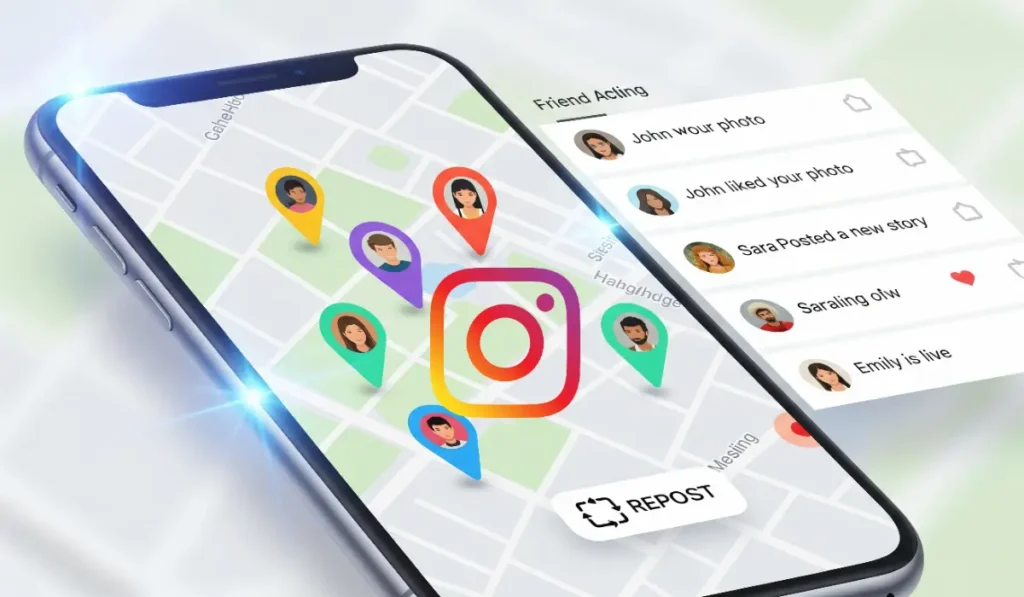
For years, users have relied on clunky workarounds to share content from other accounts. Now, Instagram has added a native Repost feature, making it easy to amplify posts and Reels you love. Think of it as a “retweet” for your Instagram profile.
How It Works:
- Repost button: A new button appears on public posts and Reels, allowing you to quickly share them.
- Dedicated profile tab: All your reposted content is neatly organized in a new Reposts tab on your profile, separate from your main photo grid.
- Credit where it’s due: Every repost credits the original creator, giving them a chance to reach a new audience and helping to prevent content theft.
This feature is a major win for both users and creators, fostering a more connected and collaborative community.
3. The “Friends” Tab in Reels: Discover What Your Circle is Watching
Have you ever wondered what your friends are laughing at on Reels? The new “Friends” tab gives you a curated feed of public content that your friends have liked, commented on, or reposted.
How It Works:
- Personalized feed: This new section highlights Reels that your friends have interacted with.
- Easy to find: The “Friends” tab is located at the top of your Reels feed, alongside other discovery tabs.
- Privacy settings: If you prefer to keep your activity private, Instagram provides controls to hide your own likes and comments from appearing in this tab.
Quick Tip: How to Disable the Instagram Map
If you’d rather not share your location, opting out is quick and easy.
- Go to your DM inbox in the Instagram app.
- Tap the map icon at the top of your screen.
- Tap the settings gear icon.
- Change “Who can see your location” to “No one.”
For an extra layer of privacy, you can also completely revoke Instagram’s location access through your phone’s system settings.